Free · Open Source · macOS 26 · Apple Silicon
Your Mac is
hiding gigabytes
from you.
Xcode build caches. iOS simulators from phones you no longer own. node_modules from 2022. MacCleaner scans 15 categories across every folder on your Mac, then Apple Intelligence tells you exactly what's safe to delete — right in the app.
01
15 categories.
Every place junk hides.
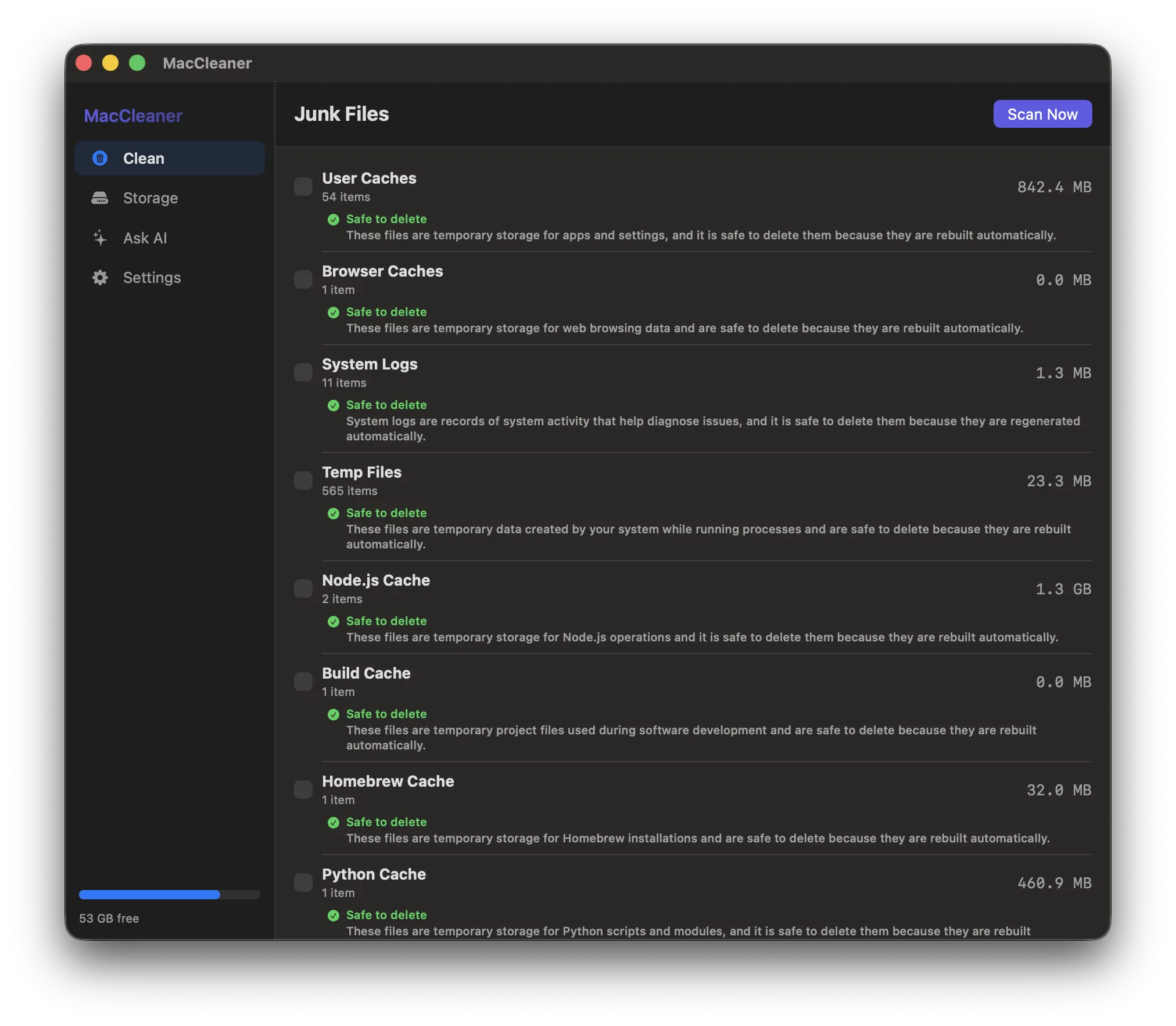
Most cleaners check 3–4 folders. MacCleaner scans every spot macOS lets junk accumulate — including every project folder on your Mac, not just a guessed list.
Real numbers from a scan on a developer Mac
02
AI advice, inline
After every scan, Apple Intelligence reads each category and tells you exactly what's safe to delete and why — right in the Clean tab, privately on-device.
03
Trash-first, always
Nothing is ever permanently deleted without your say. Everything moves to Trash first. You confirm. That's the only path.
04
Storage explorer
See your largest folders in a collapsible table — down to 3 levels deep. Every row has a trash button. Find the real culprits in seconds.
05
2 MB. The whole app.
Native Swift binary. No Electron, no Python runtime, no bundled framework that outweighs what it's cleaning.
App Preview
Every tab. One tool.
Scan 15 junk categories. Apple Intelligence tells you what's safe to delete — inline, after every scan.
06
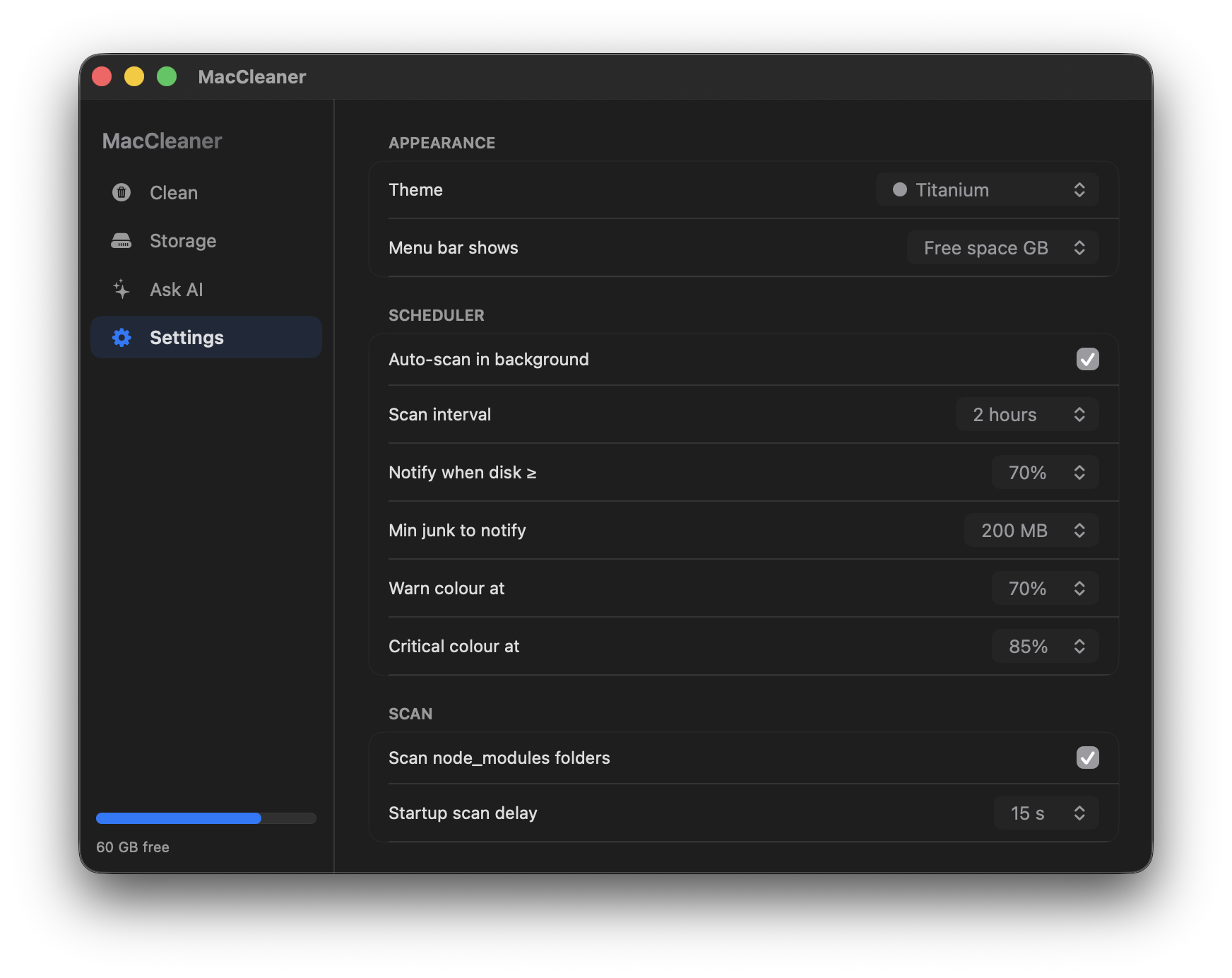
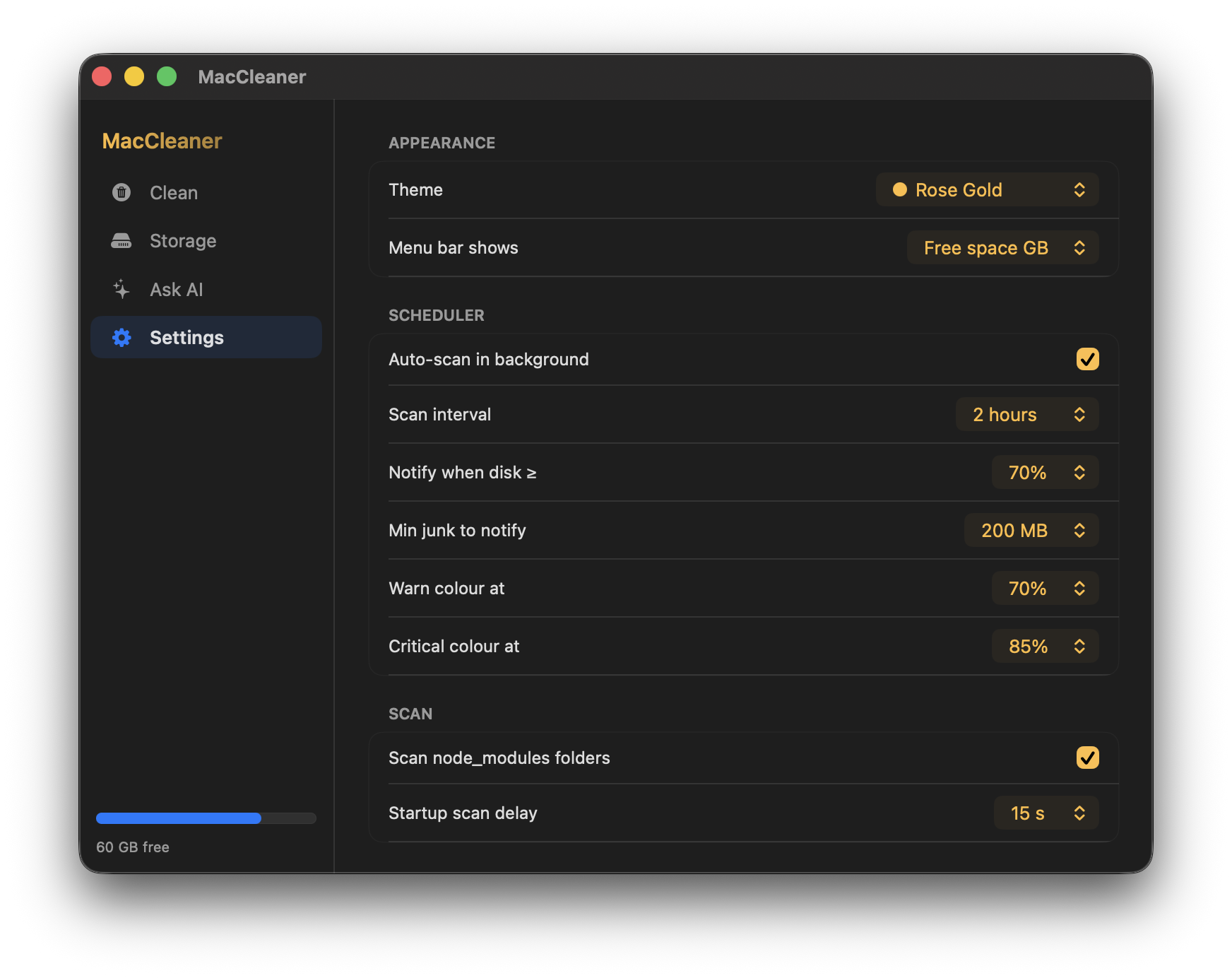
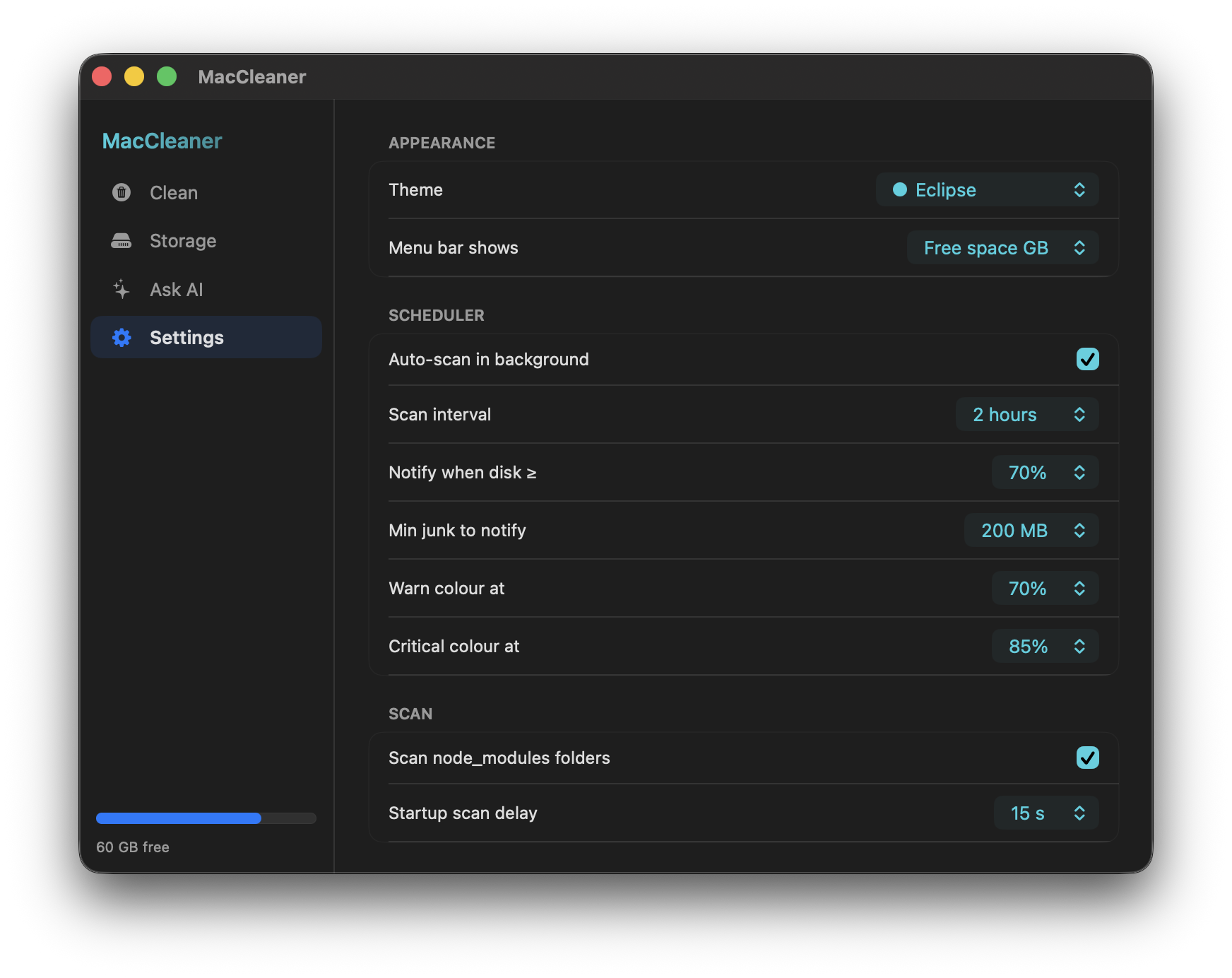
10 themes.
All Apple colours.
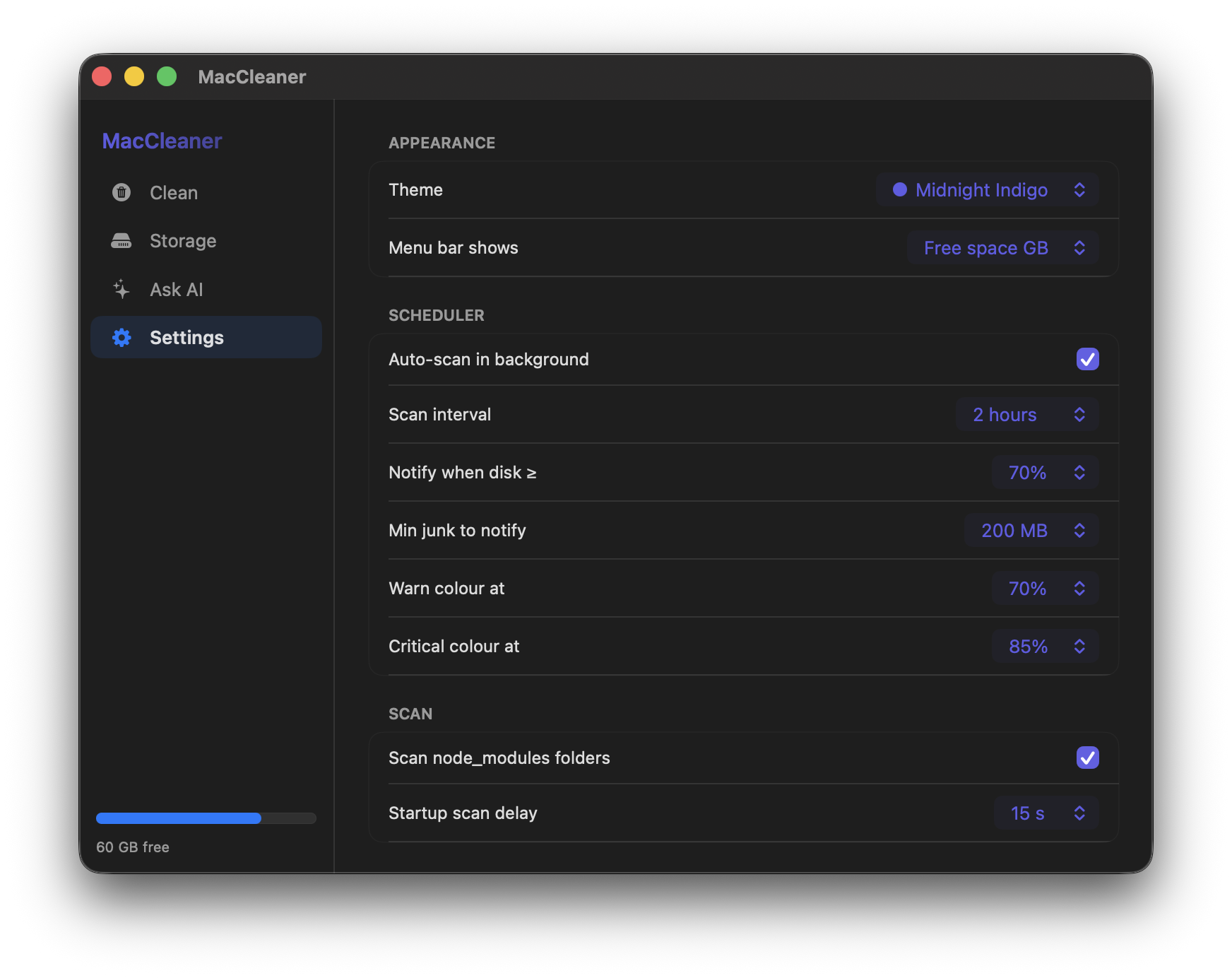
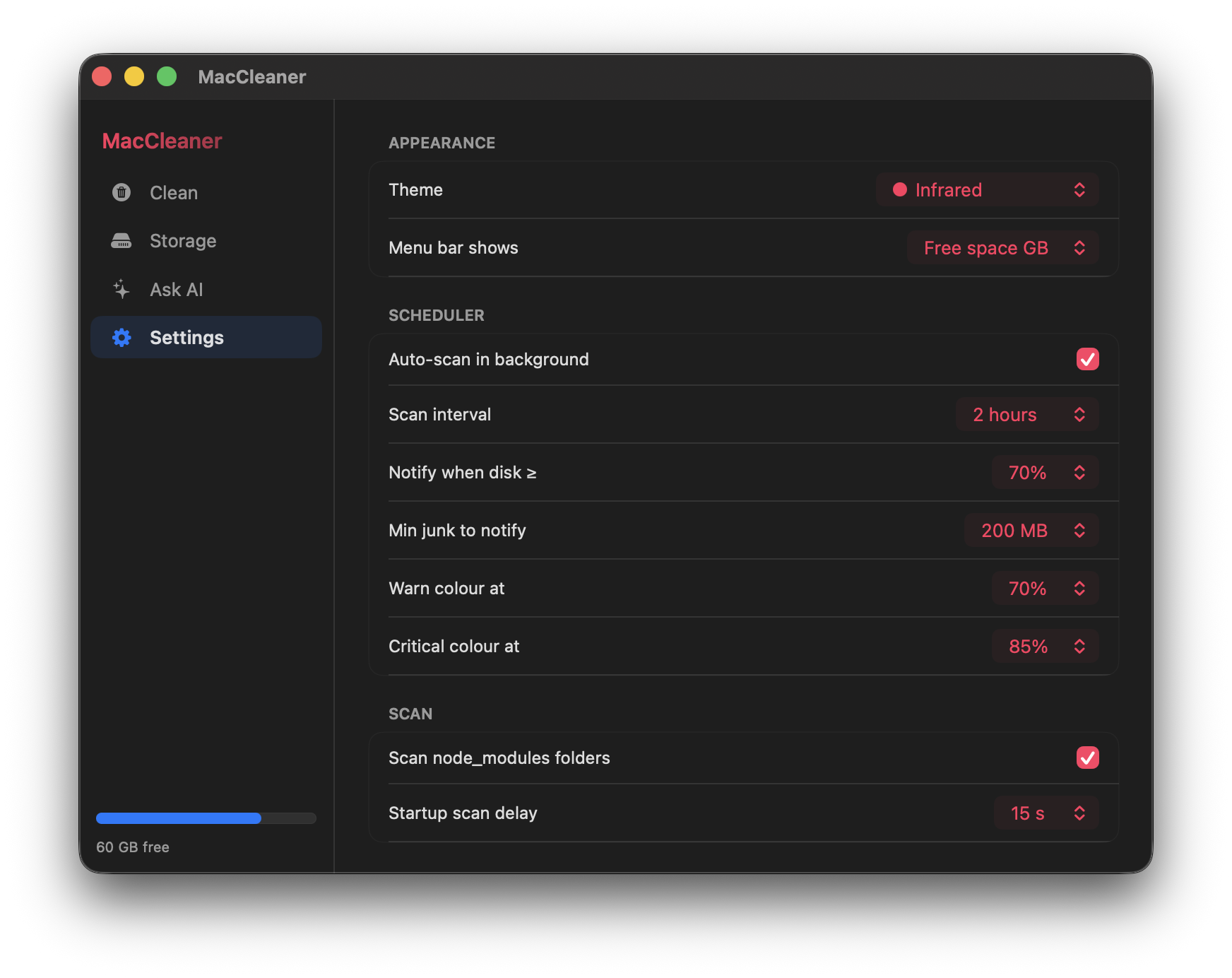
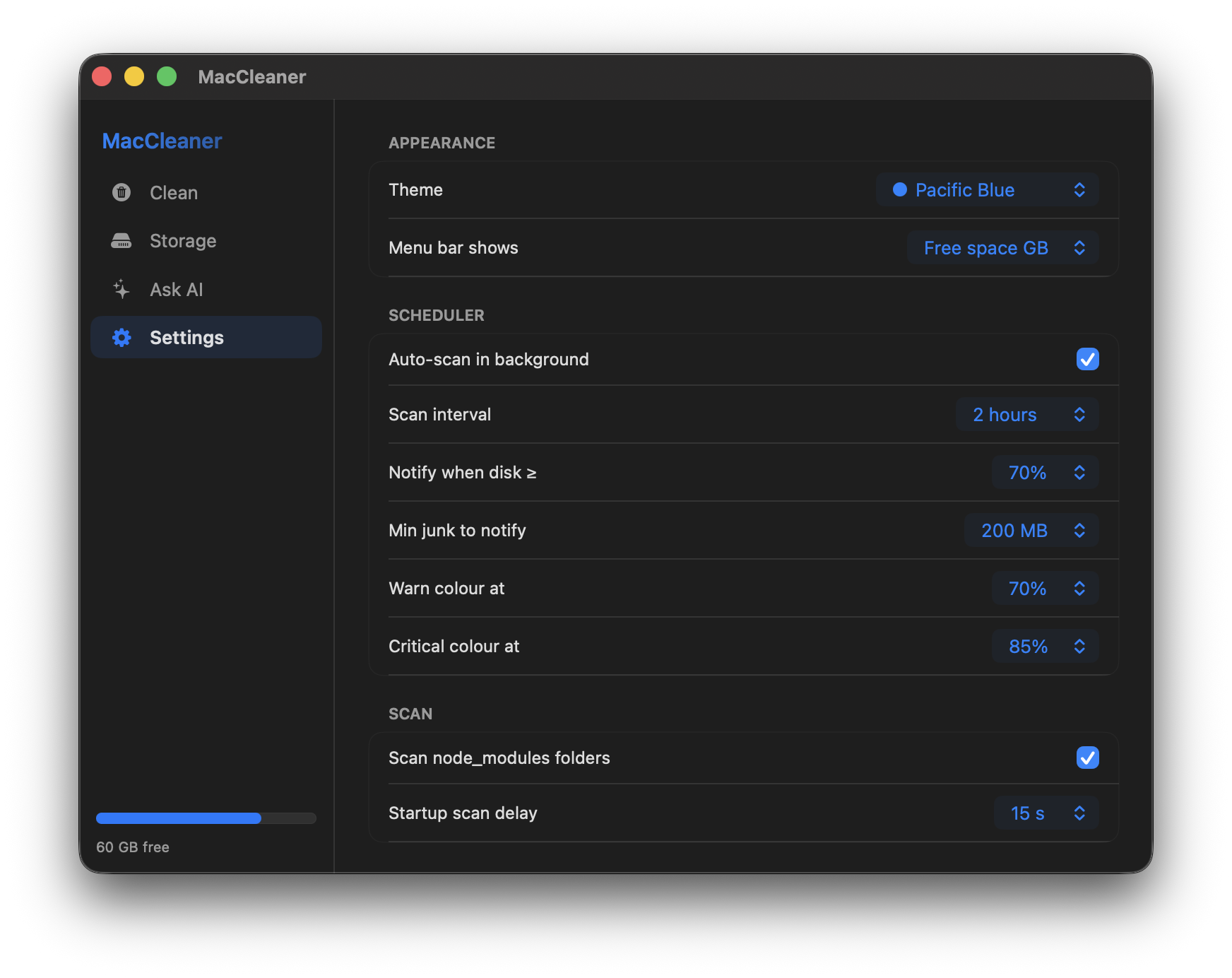
Every accent is pulled from Apple's system colour vocabulary. Switch live in Settings — no restart, no relaunch.
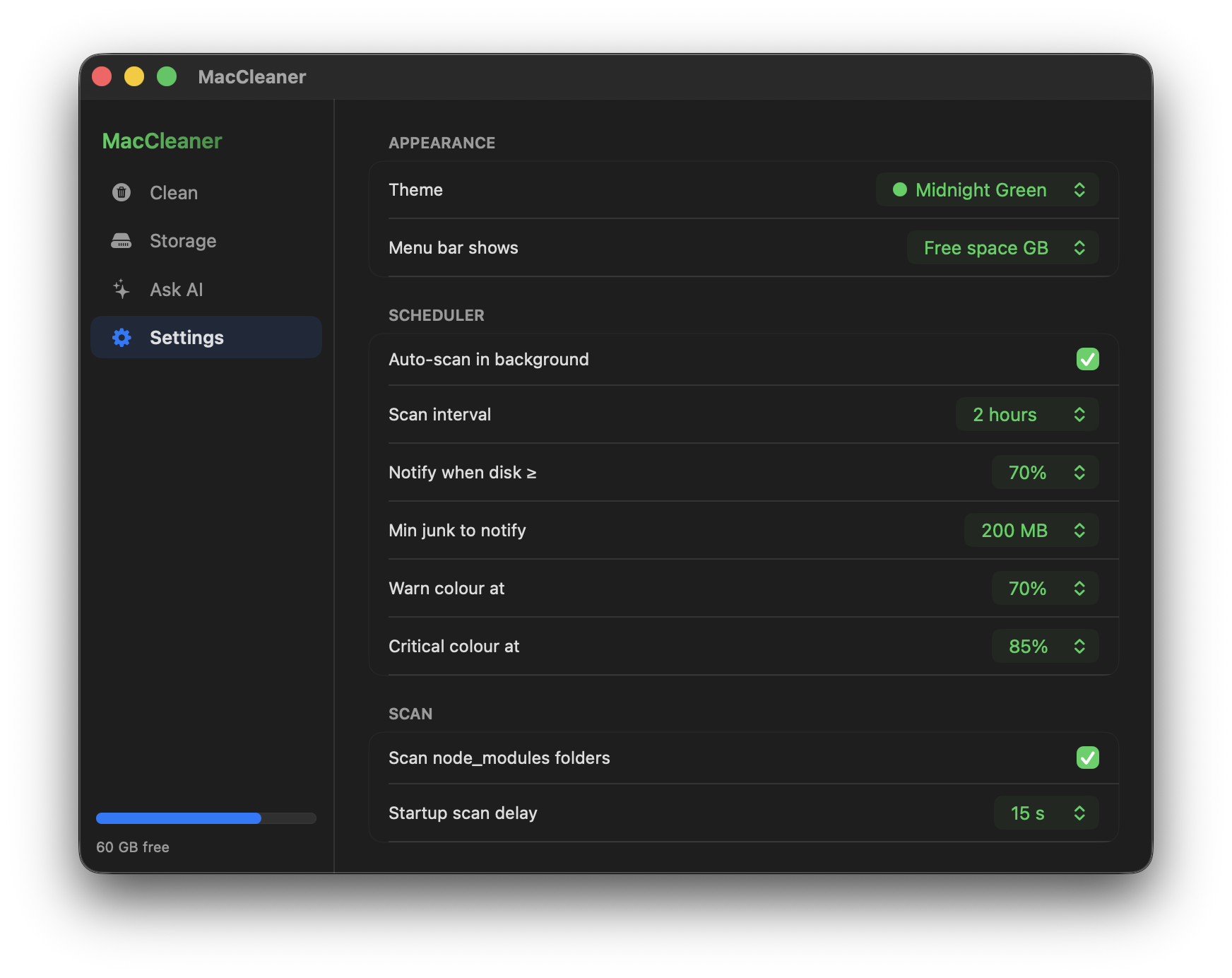
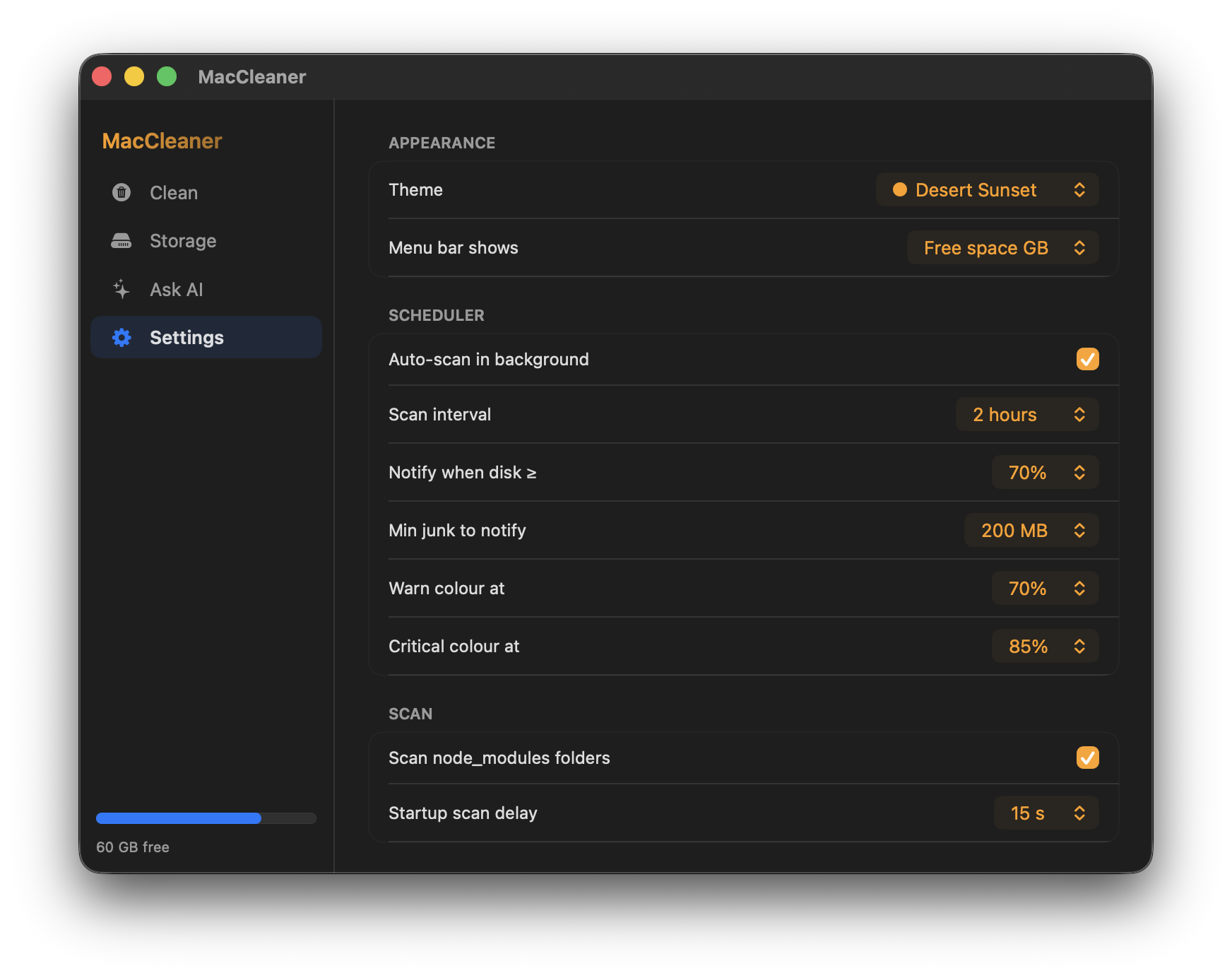
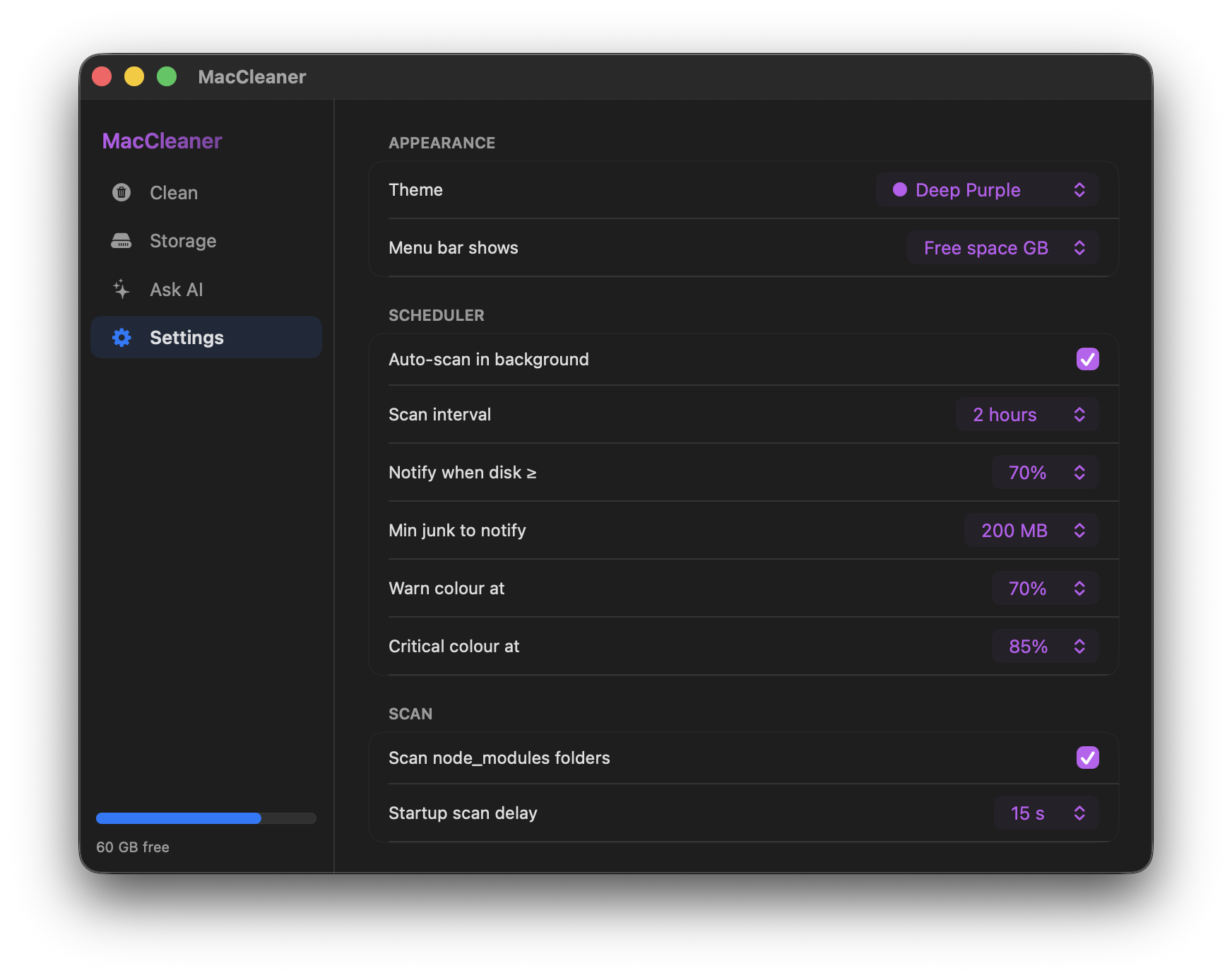
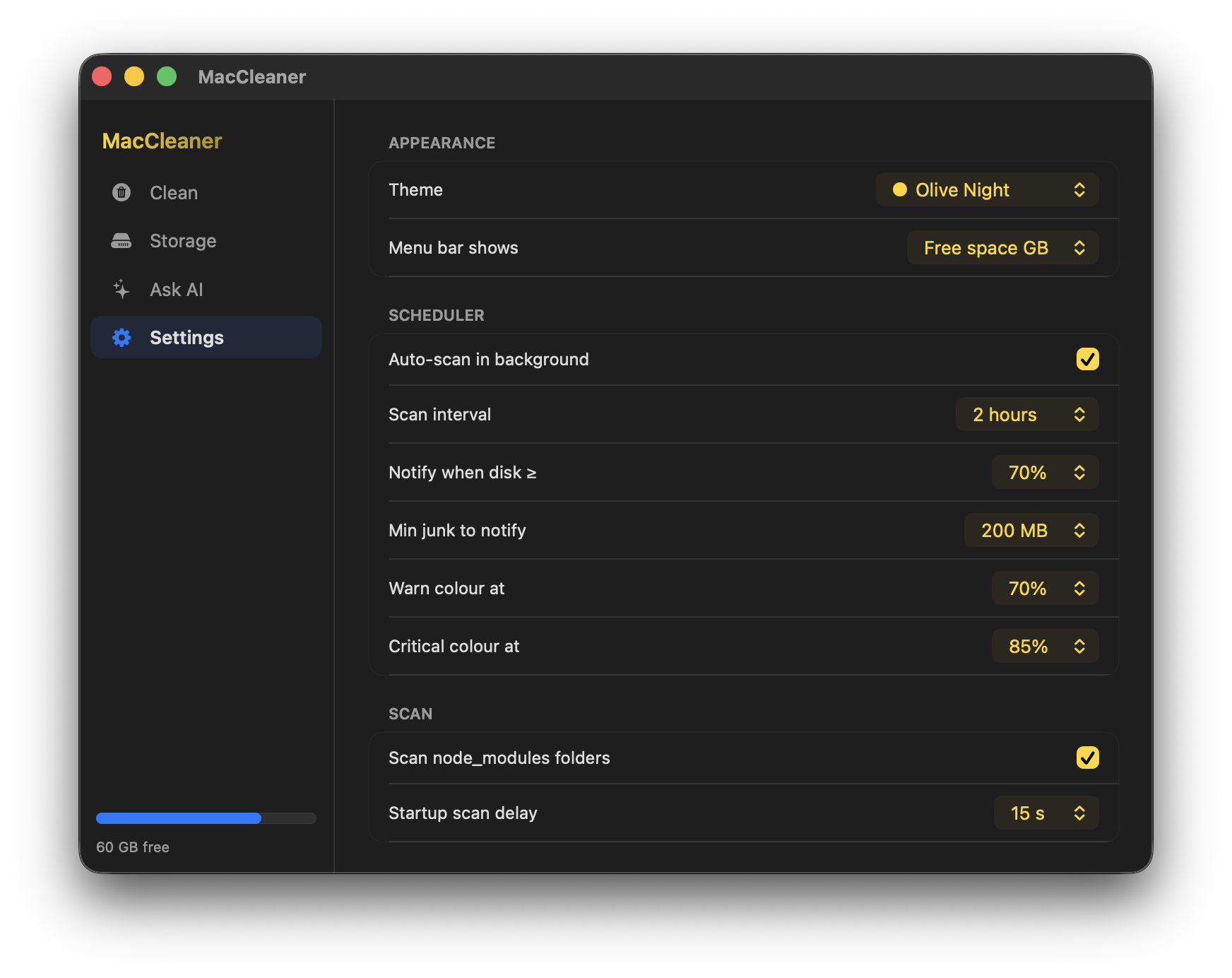
05 — Apple Intelligence
It reads your scan.
Not a chatbot.
After every scan, Apple Intelligence analyses each found category and shows a verdict inline — what's safe to delete, what needs a second look, and exactly why. On-device. Private. No internet.
Per-app caches in ~/Library/Caches. Rebuilt automatically the next time each app runs.
DerivedData is Xcode's build cache, not your source code. Xcode rebuilds it on the next compile.
Projects not touched in 30+ days. Run npm install to restore if you reopen a project.
Stopped containers and dangling images. Verify nothing is actively needed before pruning.
Requires macOS 26 with Apple Intelligence enabled · Falls back to built-in advice on older systems
Advice appears inline after every scan — no separate chat needed
FAQ
Common questions
Ready to reclaim
your space?
428 KB. Drag to Applications. Done. No account. No credit card. No catch.
macOS 26+ · Apple Silicon · Apple Intelligence required for AI chat